- v4.1.56Latest
- v4.1.55
- v4.1.54
- v4.1.53
- v4.1.52
- v4.1.51
- v4.1.50
- v4.1.49
- v4.1.48
- v4.1.47
- v4.1.46
- v4.1.45
- v4.1.44
- v4.1.43
- v4.1.42
- v4.1.41
- v4.1.40
- v4.1.39
- v4.1.37
- v4.1.36
- v4.1.35
- v4.1.34
- v4.1.33
- v4.1.32
- v4.1.31
- v4.1.30
- v4.1.29
- v4.1.28
- v4.1.27
- v4.1.26
- v4.1.25
- v4.1.24
- v4.1.23
- v4.1.22
- v4.1.21
- v4.1.20
- v4.1.19
- v4.1.18
- v4.1.17
- v4.1.16
- v4.1.15
- v4.1.14
- v4.1.13
- v4.1.12
- v4.1.11
- v4.1.10
- v4.1.9
- v4.1.8
- vUnreleased
- v4.1.7
- v4.1.6
- v4.1.5
- v4.1.4
- v4.1.3
- v4.1.2
- 0.7.20
- 0.7.15
- 0.7.13
- 0.7.12
- 0.7.11
- 0.7.9
- 0.7.8
- 0.7.7
- 0.7.6
- 0.7.5
- 0.7.4
- 0.7.3
- 0.7.2
- 0.7.1
- 0.7.0
📖 Overview
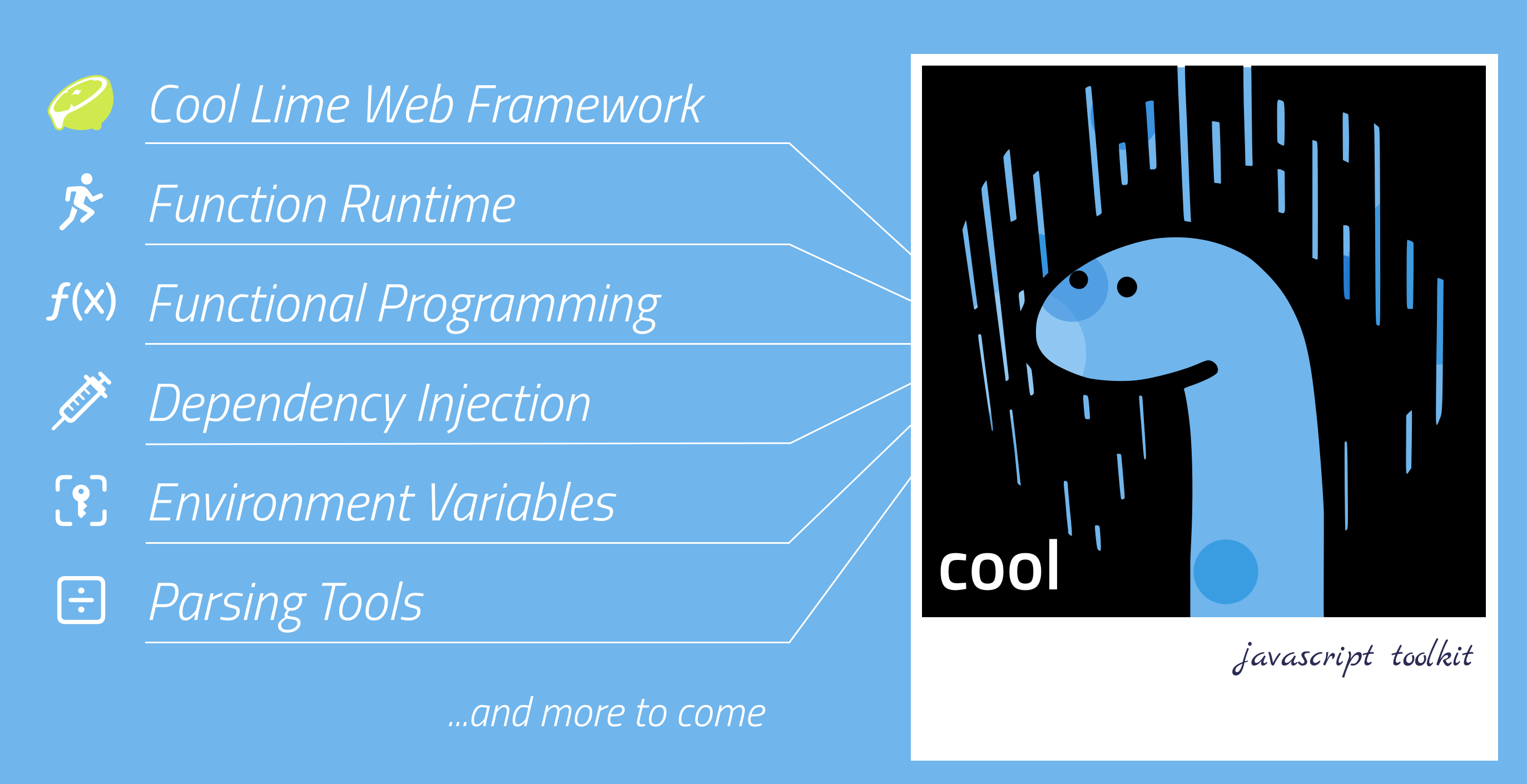
cool is a javascript toolkit designed to promote best practices, a specific
philosophy, and enhanced portability across different platforms.
It comprises various components, each designed to work seamlessly together, allowing developers to abstract their code for better portability across different platforms. This encourages a functional programming approach, enabling code to be written once and then run on various mainstream environments such as CLI, bot platforms, cloud-function runtimes and web APIs.
🌟 Why choose cool?
cool is meticulously designed for developers who:
Seek Portability: If you’ve ever felt the need for a JavaScript/TypeScript framework that seamlessly works across web browsers, Deno, Supabase, Netlify, AWS Lambda and Cloudflare Workers,
coolis your answer. See the full list of supported platformsLove Functional Programming:
coolnot only supports but encourages a functional programming approach. This means you can write your code once and run it on various platforms without modifications. Dive into our functional programming toolsWant Enhanced Testability: With the removal of hard-coded dependencies and the promotion of loose coupling,
coolenhances the testability of your codebase, ensuring that your applications run as expected. Explore our dependency injection systemDesire a Unified Approach: Instead of juggling multiple libraries and tools,
coolprovides a unified toolkit where each component works seamlessly with the others, ensuring a smoother development experience. Check out our component setPrioritize Best Practices: If you’ve been struggling with maintaining best practices in your development process,
coolis here to guide you. With built-in support for principles like 12factor and dependency injection, you can ensure that your code remains clean, maintainable, and scalable. Learn more about our best practices approach
📂 Components
Component Set
| Component | Area | Description |
|---|---|---|
| 📓 cool/directives | Rules | The ground rules adhered to by the entire ecosystem |
| 📑 cool/standards | Abstraction | Provides common abstraction layers for DI |
| ⚙️ cool/di | Manager | Dependency injection system |
| 🧱 cool/fp | Functions Library | Tools for functional programming |
| 🔐 cool/dotenv | Manager | Load configurations from environment |
| 〰️ cool/parsing | Manager | Parsing tools for various strings and streams |
Visit the respective component page for detailed usage instructions.
Our Goal / The Bigger Picture
We strive to run the following code seamlessly across all platforms we support:
import { Runtime, Context } from "$cool/runtime/mod.ts";

const home = (ctx: Context) => {
  return ctx.results.jsx(<h1>Hello there!</h1>);
};

const profile = (ctx: Context) => {
  const slug = ctx.input.param("id");
  const db = ctx.di`db`;

  ctx.logger.info(`Visiting the profile of ${slug}!`);

  return ctx.results.json(db.query("SELECT * FROM users WHERE slug=:slug", { slug }));
};

const router = (ctx: Context) => {
  switch (true) {
    case ctx.route.match("/"):
      return home(ctx);
    case ctx.route.match("/:id"):
      return profile(ctx);
    default:
      return ctx.results.notFound();
  }
};

const runtime = new Runtime();
runtime.ci.register("db", new DatabaseConnection());
runtime.listen(router); // or runtime.execute(fn);
Platform Support
Since the reason we started to build this project is the feeling of a lack of a JavaScript/TypeScript framework that is portable across many platforms, we’re always looking for the widen this list. By adhering to WinterCG guidelines and TC39 standards, we strive to provide a framework that is portable across all these platforms.
- Deno
- Node.js
- Web Browsers
- Service Workers
- Deno Deploy
- Cloudflare Workers
- Supabase Functions
- Netlify
- AWS Lambda
- Google Cloud Functions
- Azure Functions
- Telegram Bots
- Discord Bots
- Slack Bots
…and all other platforms that comply with the WinterCG guidelines.
🚀 Jumpstart
Ensure that Deno 1.36 or higher is installed on your system first.
First, install cool cli globally, then create a new project:
$ deno install -A -n cool https://c00l.deno.dev

$ cool create my-cool-project

Creating "cool web project template 0.0.1" on my-cool-project...
...
done.
🙋🏻 FAQ
Want to report a bug or request a feature?
If you’re going to report a bug or request a new feature, please ensure first that you comply with the conditions found under cool/directives. After that, you can report an issue or request using GitHub Issues. Thanks in advance.
Want to contribute?
It is publicly open for any contribution from the community. Bug fixes, new features and additional components are welcome.
If you’re interested in becoming a contributor and enhancing the ecosystem, please start by reading through our CONTRIBUTING.md.
If you’re not sure where to begin, take a look at the
issues labeled good first issue and
help wanted. Reviewing closed issues can also give you a sense of the types of
contributions we’re looking for and you can tackle.
If you’re already an experienced OSS contributor, let’s take you to the shortest path: To contribute to the codebase, just fork the repo, push your changes to your fork, and then submit a pull request.
Requirements
- Deno 1.36 or higher (https://deno.land/)
Versioning
This project follows Semantic Versioning. For the versions available, see the tags on this repository.
License
This project is licensed under the Apache 2.0 License. For further details, please see the LICENSE file.
To support the project…
Visit my GitHub Sponsors profile at github.com/sponsors/eser